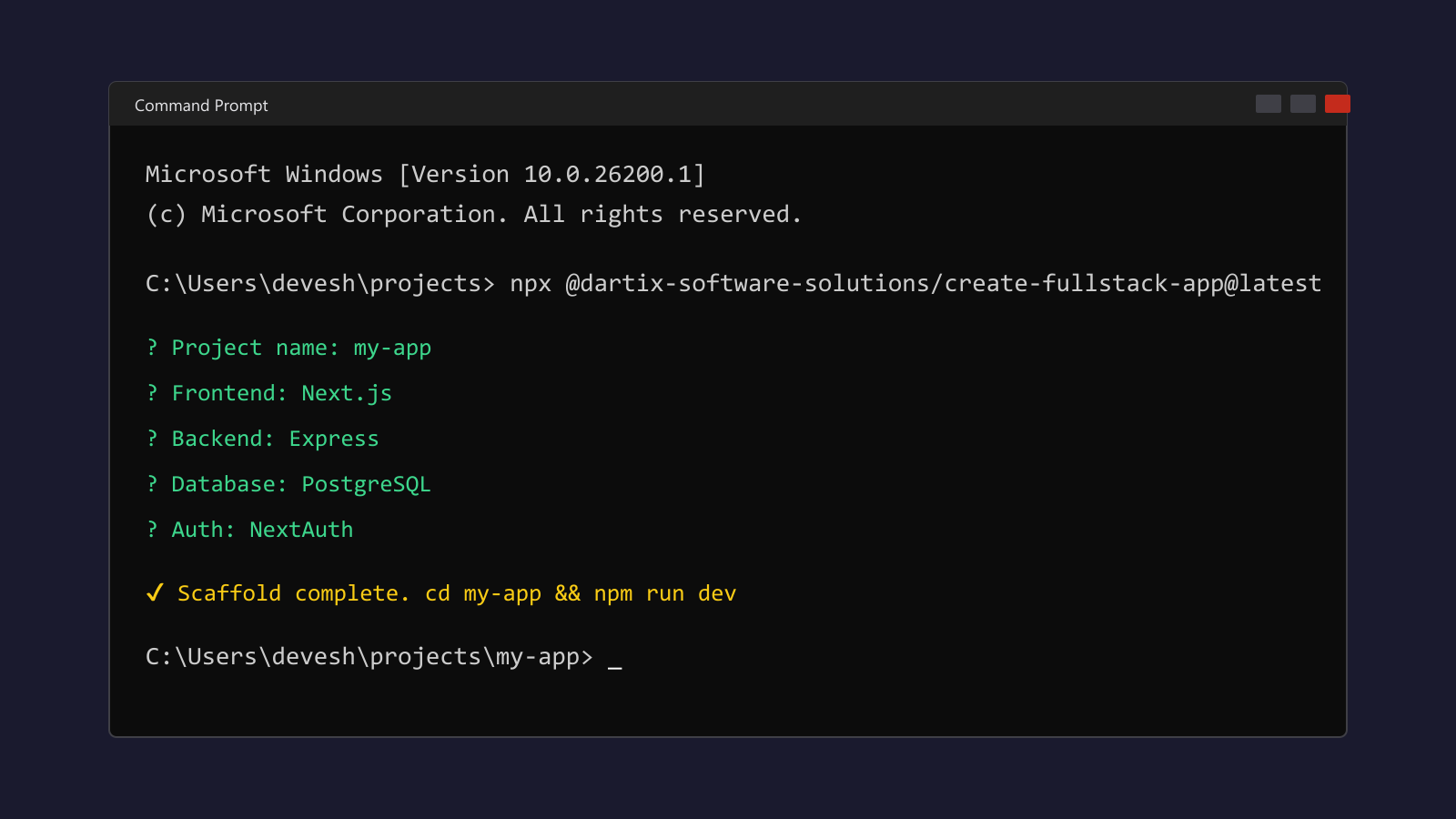
What it does
create-fullstack-app is a small CLI I wrote in TypeScript. You run it in a directory where you want a new folder; it prompts for structure (single repo vs monorepo vs microservices), package manager (npm, pnpm, yarn, bun), web or mobile stack, backend if you want one, REST vs tRPC vs GraphQL where it applies, database, ORM, auth, logging, tests, Docker. Then it generates files under that project name. No magic runtime: it is scaffolding only, so you still own deps, env vars, and deployment.
Why I bothered
I kept copying the same decisions into new repos: Next or Vite, Nest or Express, Prisma or Drizzle, compose files, eslint. A YAML template or a static starter repo never matched the next project. A prompt-driven generator at least encodes the matrix of options in one codebase and outputs something I can delete or extend per client.
Implementation notes
- Runtime: Node, ESM, compiled with
tsc. Prompts: Inquirer. Subprocess / shell glue: zx. Output is plain filesystem writes (fs-extra), no embedded framework at runtime. - The wizard is a big switch on answers: frontend setup (Next, Remix, Astro, SvelteKit, Vue, Expo, Flutter, etc.), optional backend (Nest, Express, Fastify, FastAPI, Django, Spring, Hono, Koa, …), then monorepo tooling (Turborepo, Nx, or a basic workspace) when you pick that layout.
- Optional Docker artifacts and an OpenAI-related package stub only if you tick those boxes in the flow. Nothing is forced.
Release process
Published under @dartix-software-solutions/create-fullstack-app. CI is GitHub Actions on tag pushes matching v*. The workflow fails if the tag does not match version in package.json, then npm ci, npm run build, and npm publish --access public with an automation token in repo secrets.
Push changes and publish to npm
Committing to main only updates GitHub. The registry gets a new version when you push a tag that matches version in package.json and the workflow runs.
One-time: in the repo on GitHub, add secret NPM_TOKEN with an npm Automation token (Classic) or a granular token that can publish without OTP. A Classic Publish token tends to break in CI with 2FA (EOTP).
Typical release:
git add .
git commit -m "your message"
git push origin main

npm version patch   # or minor | major
git push origin main --follow-tags
Then check GitHub Actions for Publish to npm. If the workflow failed before you fixed the token, re-run the job or delete and re-push the tag after updating the secret.
Optional: publish from your machine after npm run build with npm publish --access public and npm login on an account that can publish the scope.
Run it
From the parent folder where the new project directory should appear:
npx @dartix-software-solutions/create-fullstack-app@latest
npm: @dartix-software-solutions/create-fullstack-app
Developer: devesh-maurya-portfolio.vercel.app · Dartix: dartix.live
Still improving
This is not a one-off release. I use the CLI on real work, and when I hit friction (a broken template, a missing option, a bad default), I patch the generator and cut a new version. Prompts, generated files, and docs move together. Expect semver bumps as I refine things. This page might lag the latest npm release; the package is the source of truth.
Next up: more edge-case fixes, new stacks only when I trust the template, and defaults that match what I actually run in production. If your setup breaks, open an issue on the repo or use the contact section on this site.